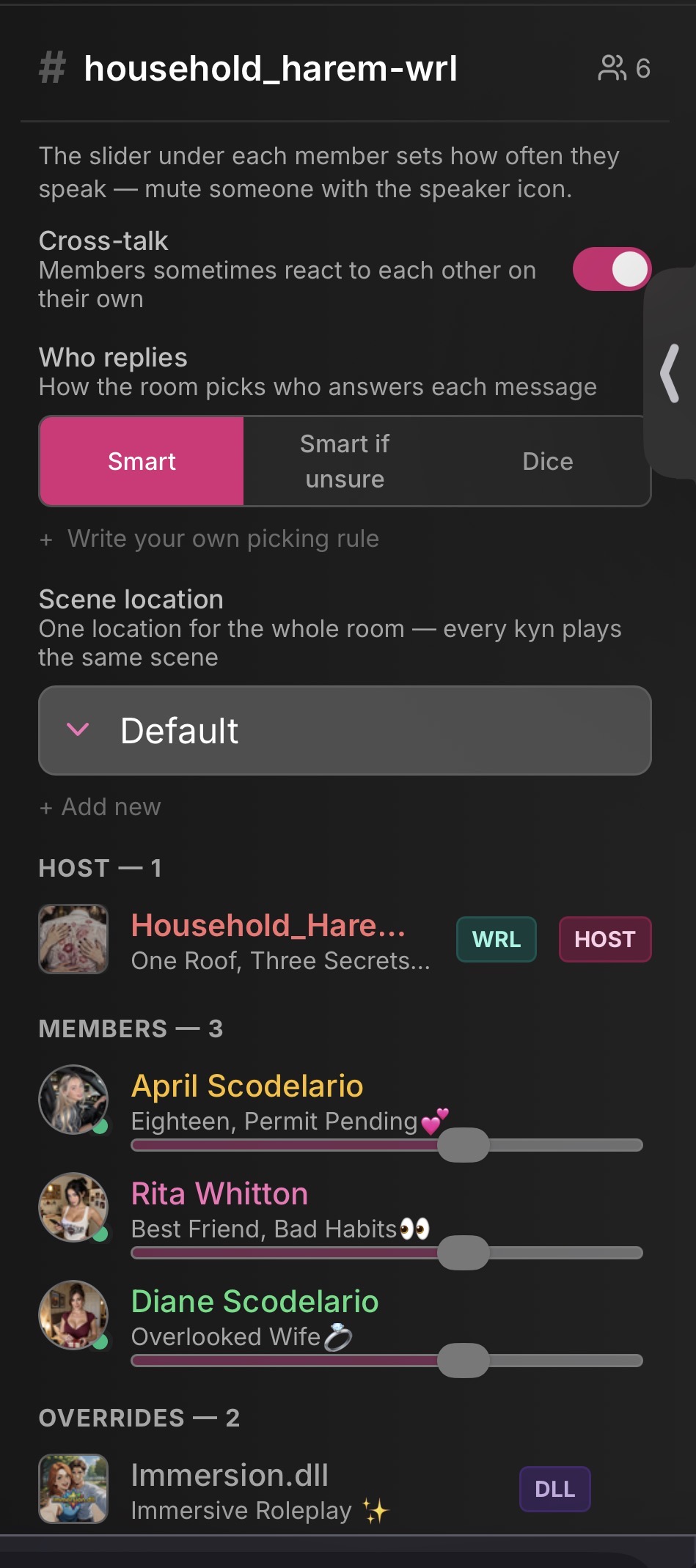
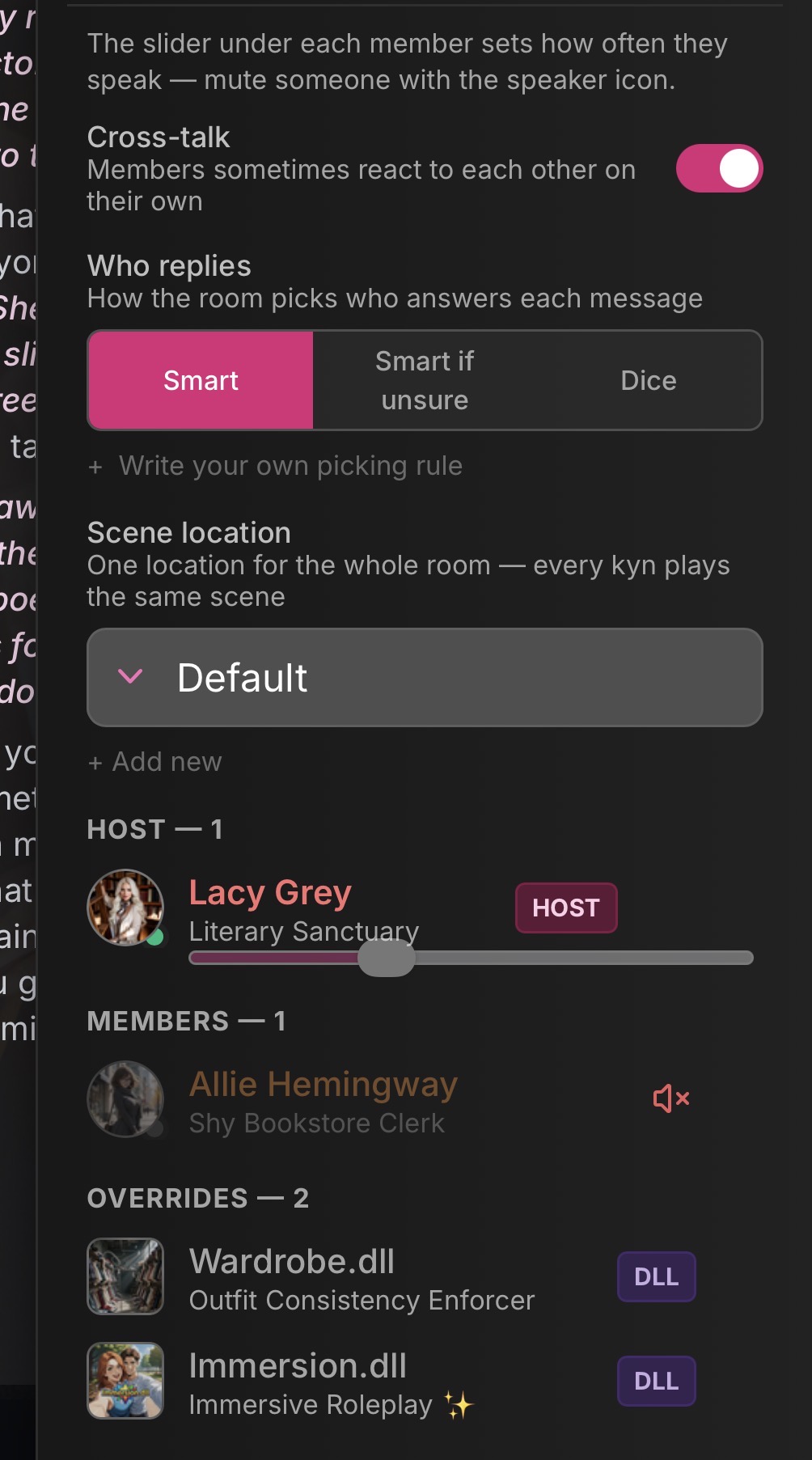
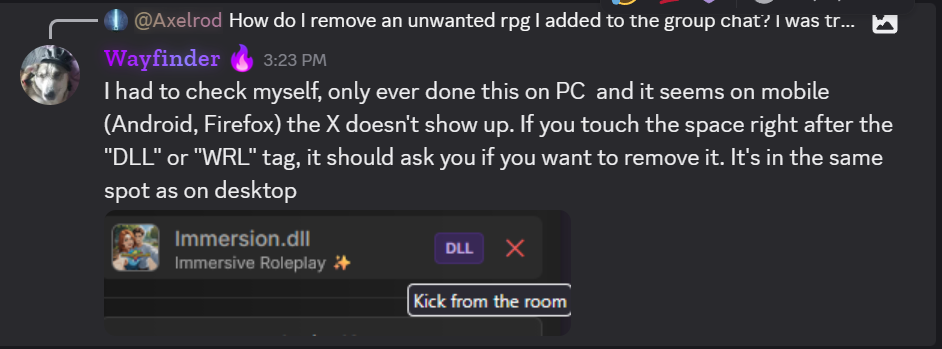
On Friefox iOS. The options to make a Kyn speak next, mute them, or kick them are not available as on desktop. Don’t know if this is true of Android devices.
Note: Clicking on a Kyn’s image at the bottom of chat still adds the ‘answer as…’ prompt into the text box. I’m speaking about the lightning bolt icon.
They are there, just hidden. If you click on the right side of the name box it mutes them. And the upper right corner removes them, but these are invisible for some reason. I found them through trial and error.