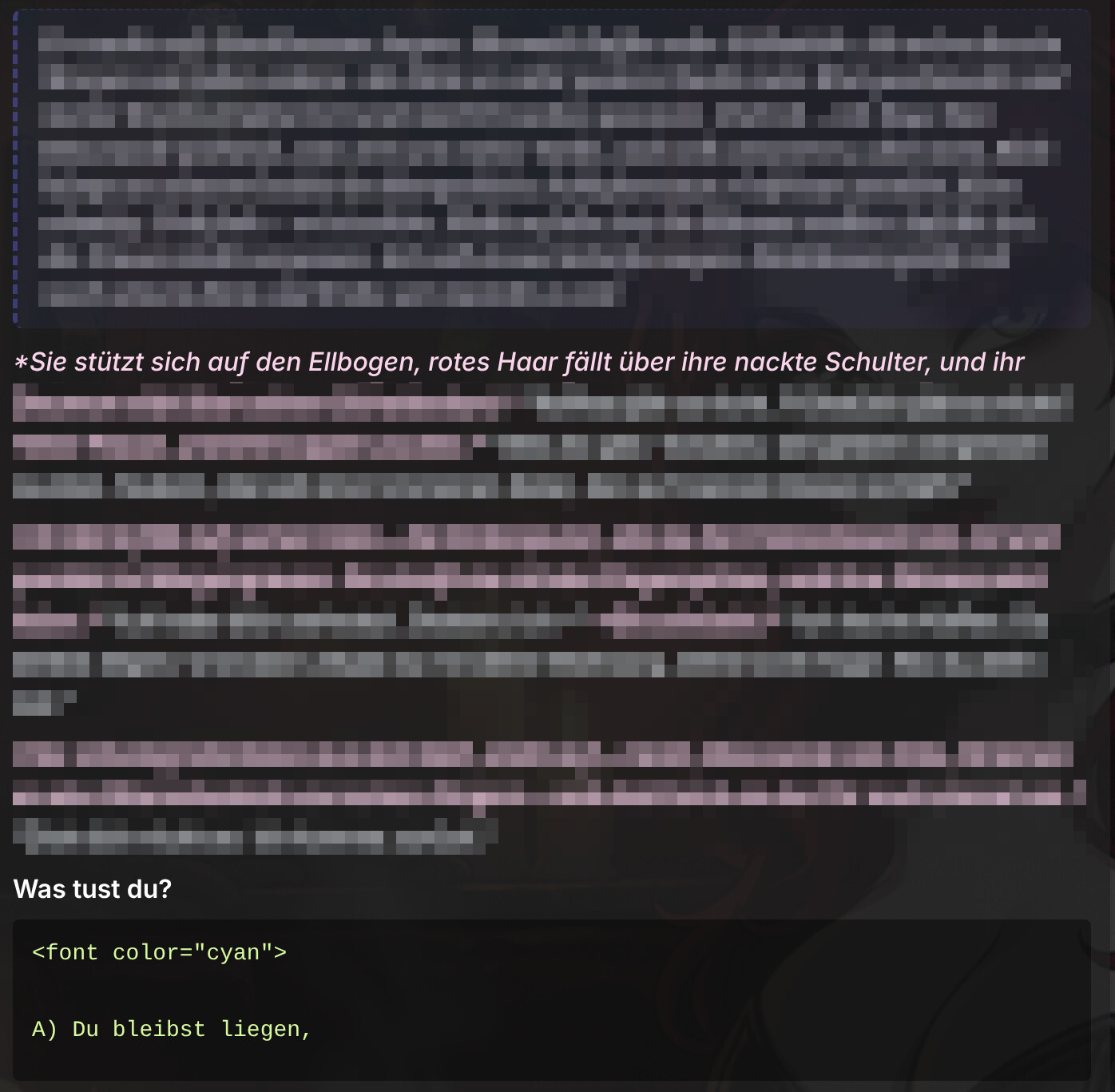
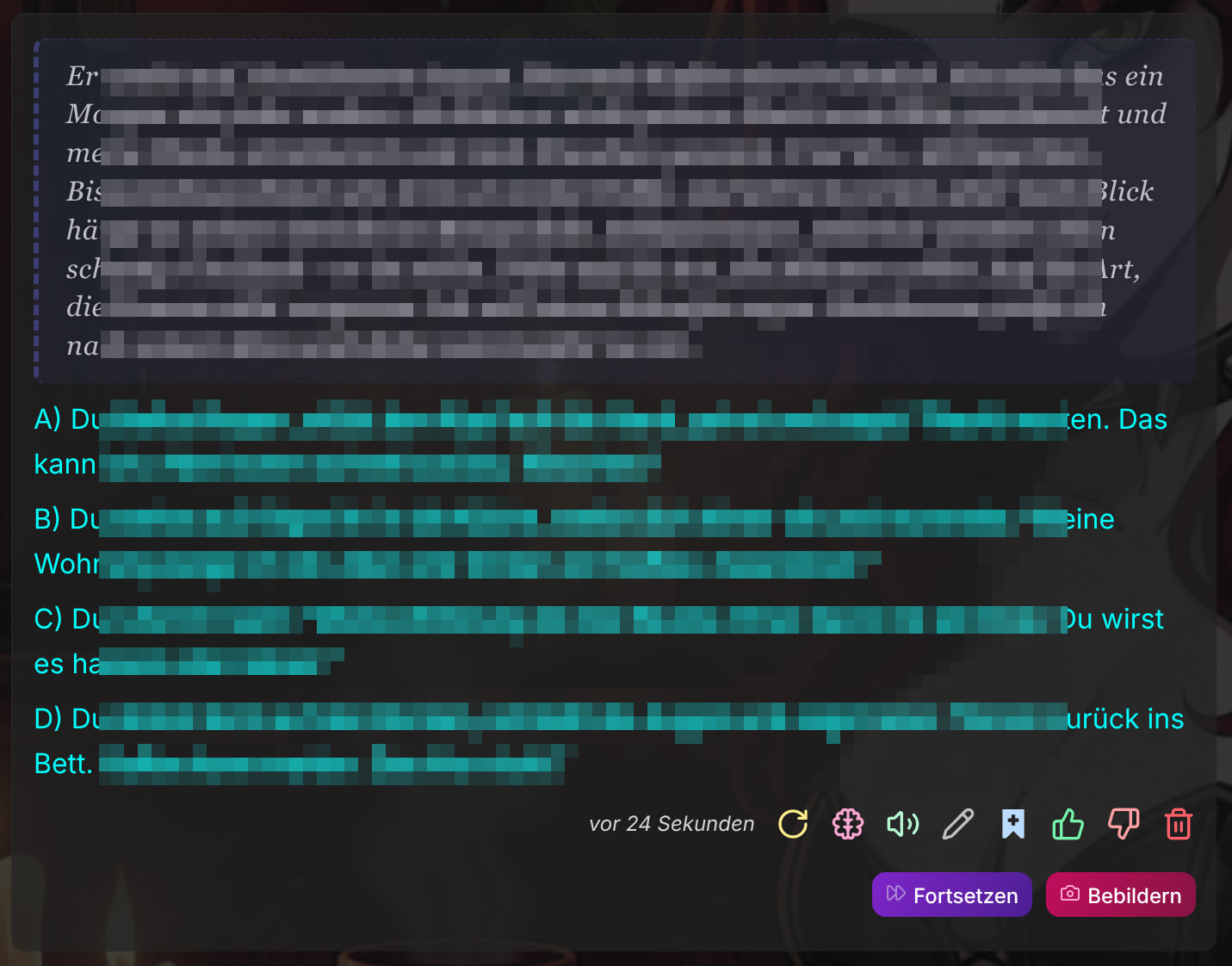
since a few weeks, I have bugs in kyn output, that make me nervous and just destroys the fun with soulkyn.
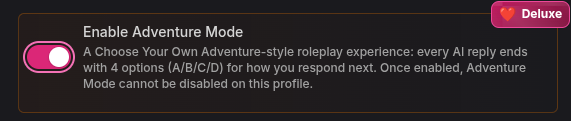
When Kyn responds (streaming), usually it first shows the thoughts, then the content and then four choices for the user to respond.
Since a few weeks, the formatting of the closing tag is missing a ‘>’ and the whole answer gets destroyed when streaming finishes. This could be fixed by regenerating the output. Mostly it works with the second try, sometimes it needs 5-6 regenerations. This is annoying, but it still worked (somehow).
But since today, it is even worse. It streams correctly, first thoughts, then content, then choices, but when it finishes, the content part vanishes simply, only leaving thoughts and choices output.
Sometimes it happens, that only choices remain, which is just stupid…
Can’t do anything without examples, chat settings, screenshots, etc… also model (Premium or Deluxe+), etc…
Over the last 14 days sk average positive rating for glm5.2 lane is 93.5% and gwem is at 89% postive, 80% of postives rating being 5/5. So my guess it either setting specific / profile specific or Kyn specific.